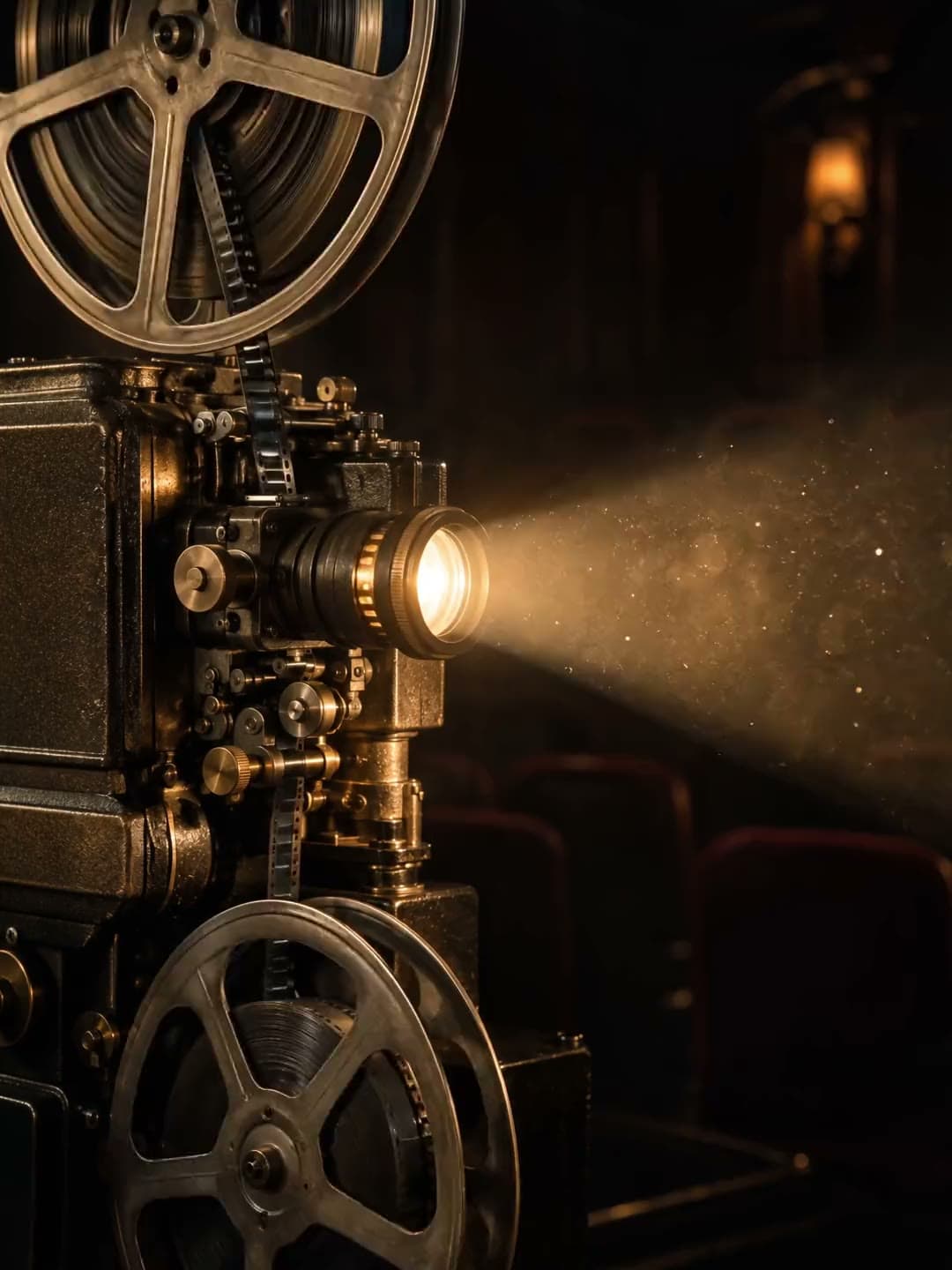
CAST REFERENCE
One cast, shared across the series
Reusable character and scene references stay with the project instead of being rewritten from scratch for every shot.
AI COMIC DRAMA STUDIO
From script, cast and scene references to storyboards, stills, video takes, selection and export. MUDONG film turns separate AI generations into one continuous production workflow.
 SHOT 03好的故事,值得被认真拍下去。
PRODUCTION SYSTEM · CORE TOOLS
Separate cast references, shot motion, still approval and take selection so every generation starts from creative decisions you have already made.
Reusable character and scene references stay with the project instead of being rewritten from scratch for every shot.
Check the cast, composition and scene in a still before committing to video generation.
Character identity stays separate from motion and camera direction, so shot changes keep the approved reference in place.
Compare candidates for each shot, select one, record what is wrong, then adjust the shot instead of starting over blindly.
ONE CAST · THREE SHOTS
Wide, medium and close-up shots start from the same cast reference. References help improve consistency; complex motion and multi-character scenes still need previewing and human selection.
AI-generated fictional character imagery · workflow illustration SHOT 01
 SHOT 02SHOT 03
FROM SCRIPT TO EPISODE
The public site follows the same mental model as the studio: make the story clear, lock reusable assets, then move shot by shot through preview, generation, selection and export.
Compare workflows and suitability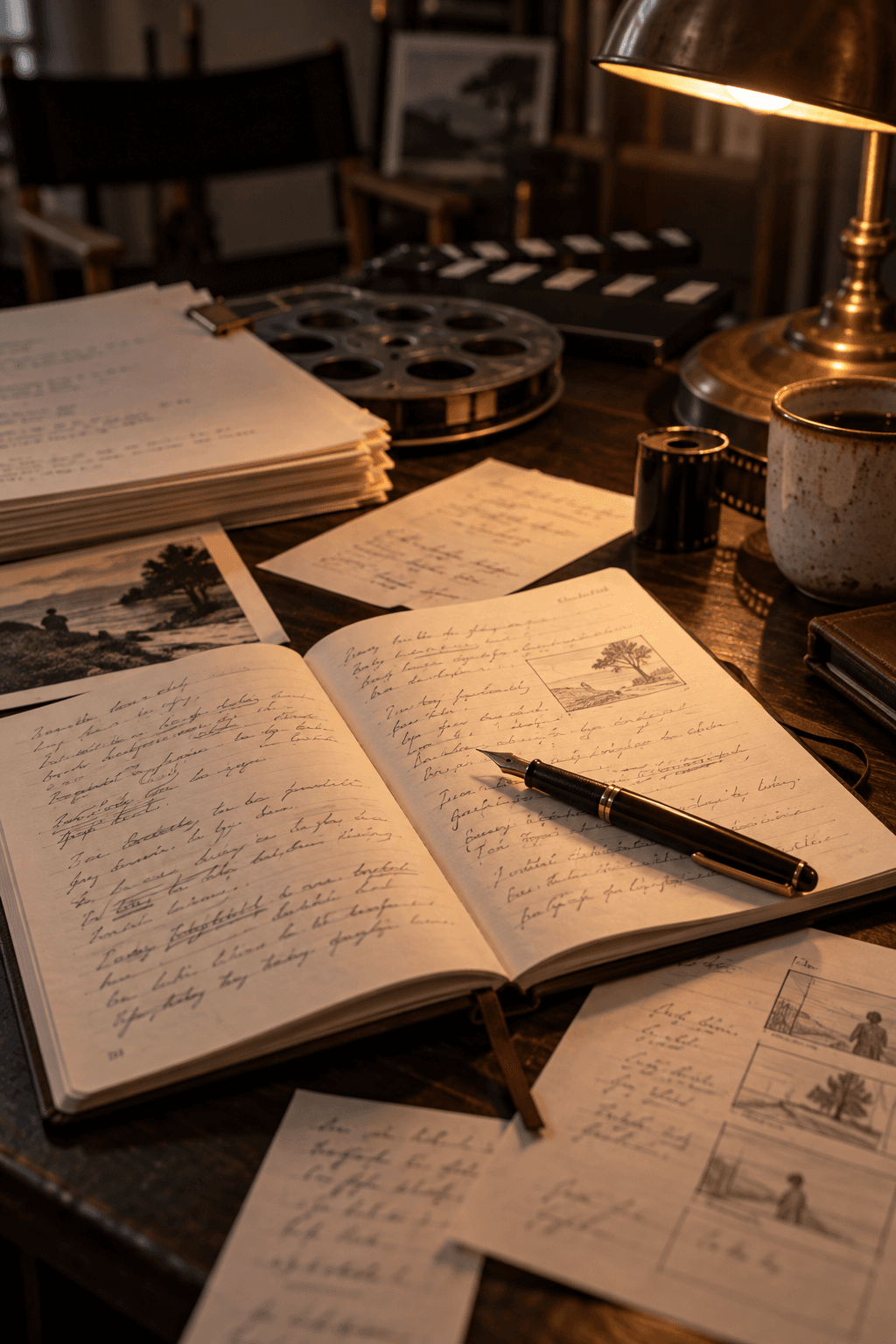
Start from a synopsis or bring an existing script, then shape episode structure, scenes and dialogue into production-ready material.
Approve character appearance, wardrobe and scene references once, then keep using them across the shots and episodes that follow.
Break down shots, approve stills, generate video candidates, select takes, and assemble the confirmed material for export.
NOW SHOWING
Six MUDONG Originals are production-ready 12-episode starting points, not decorative concept posters.
Choose a story starter
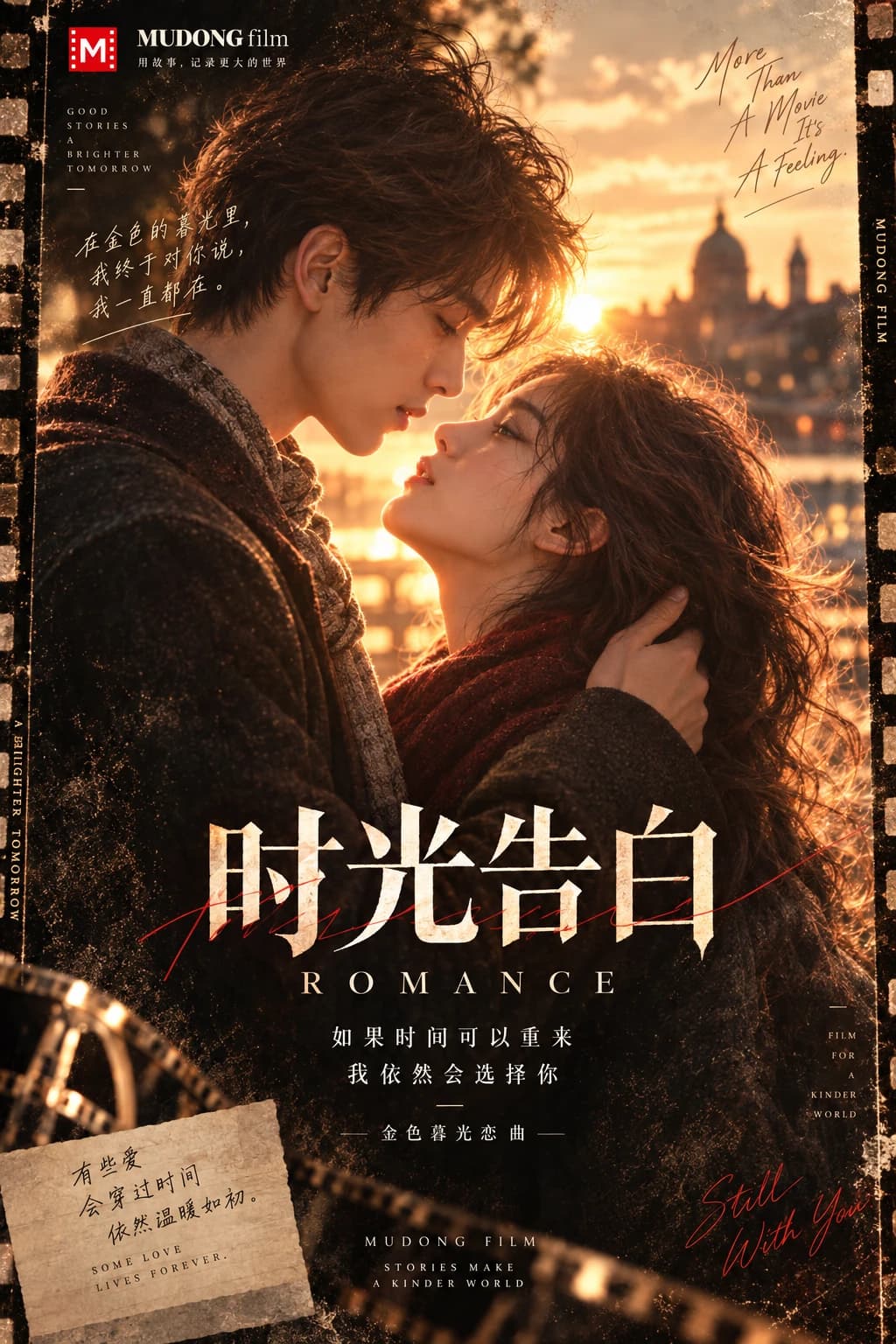
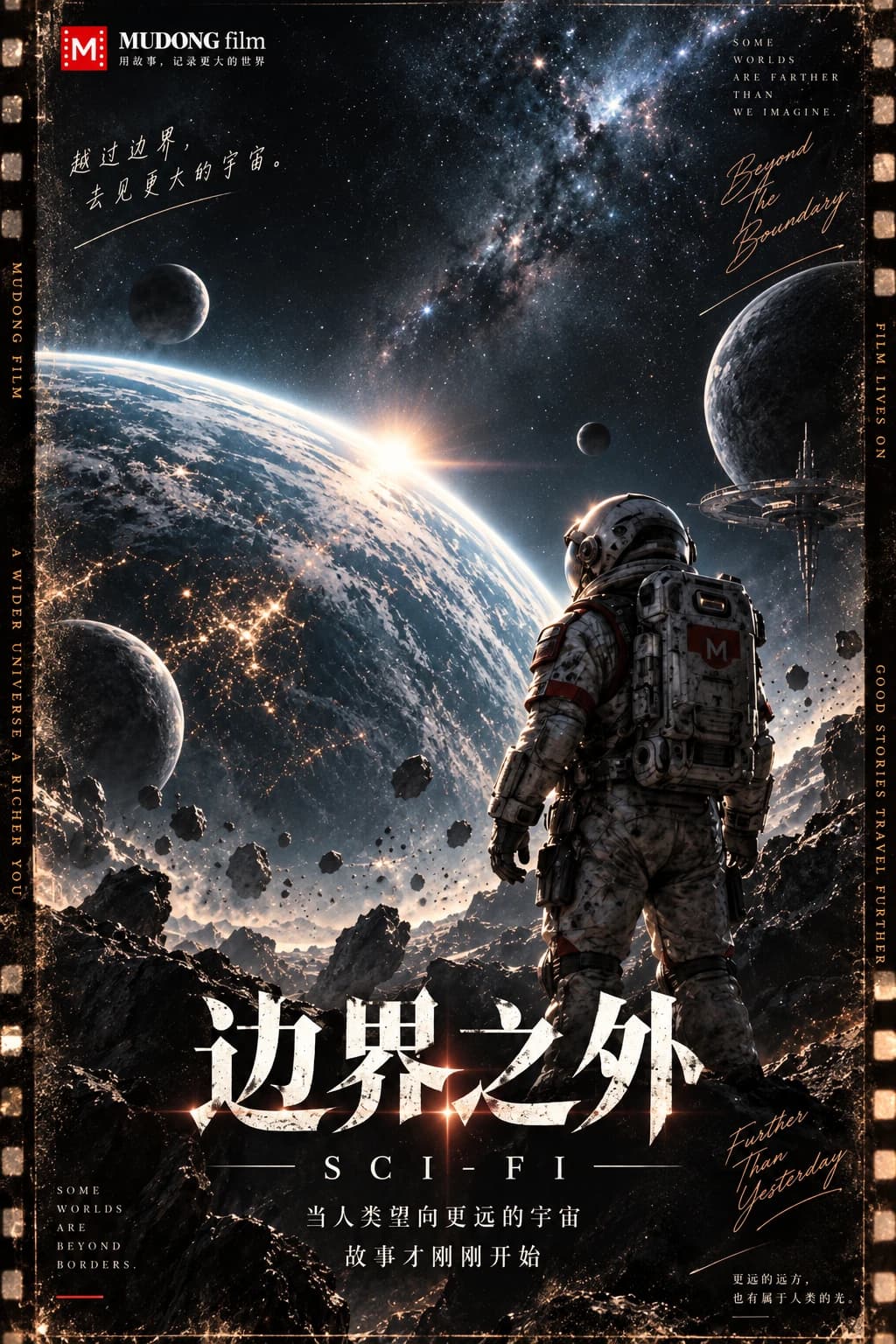
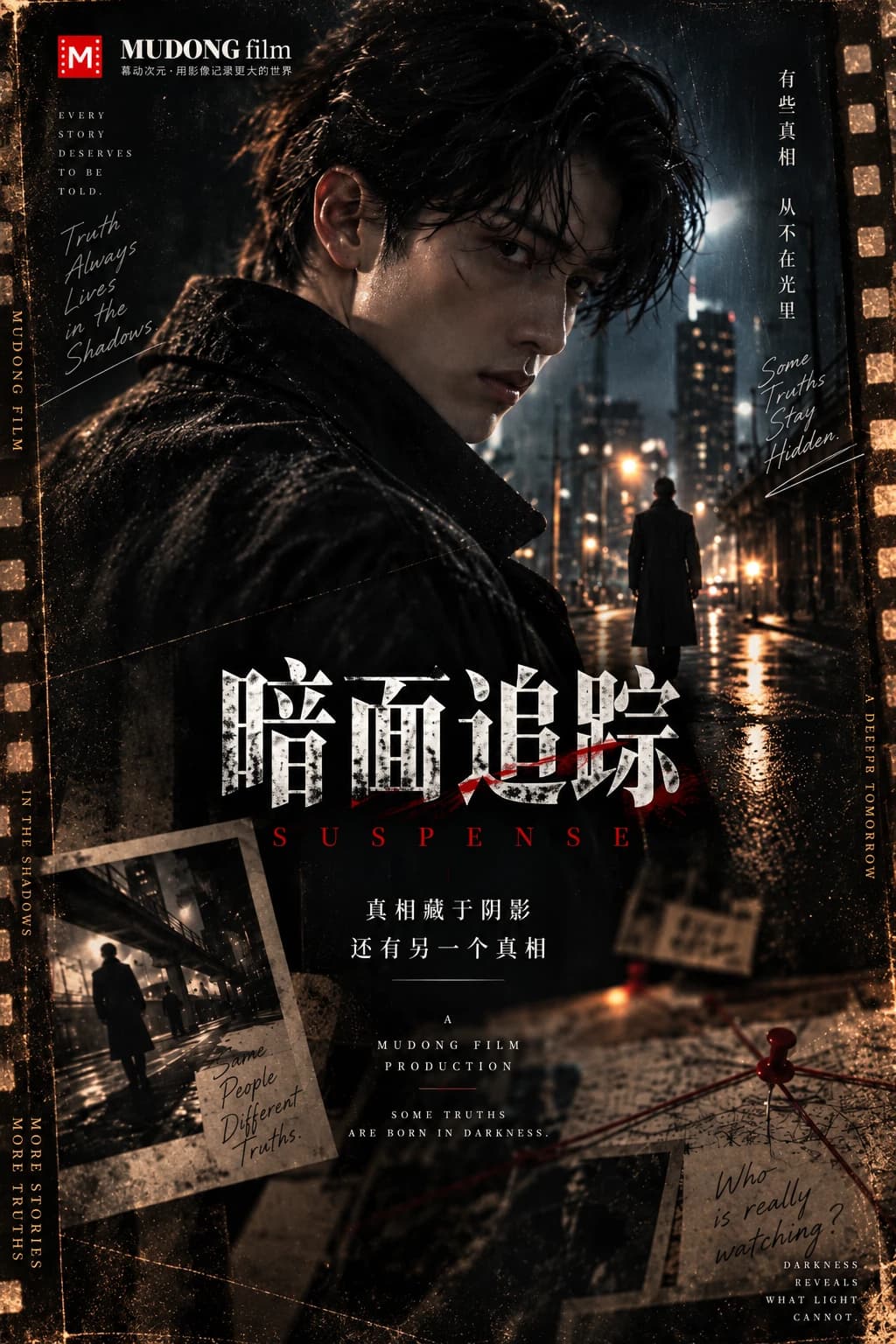
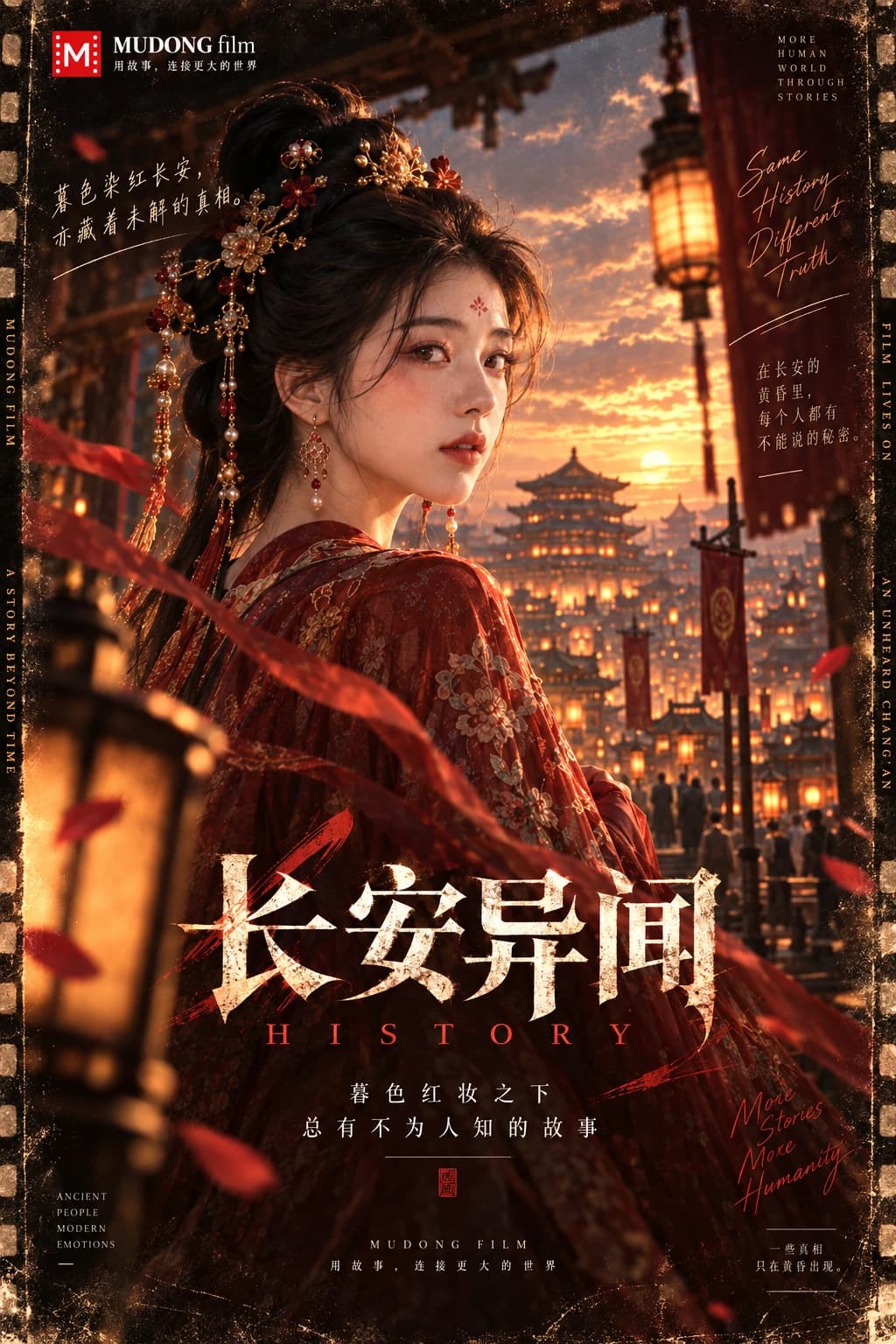
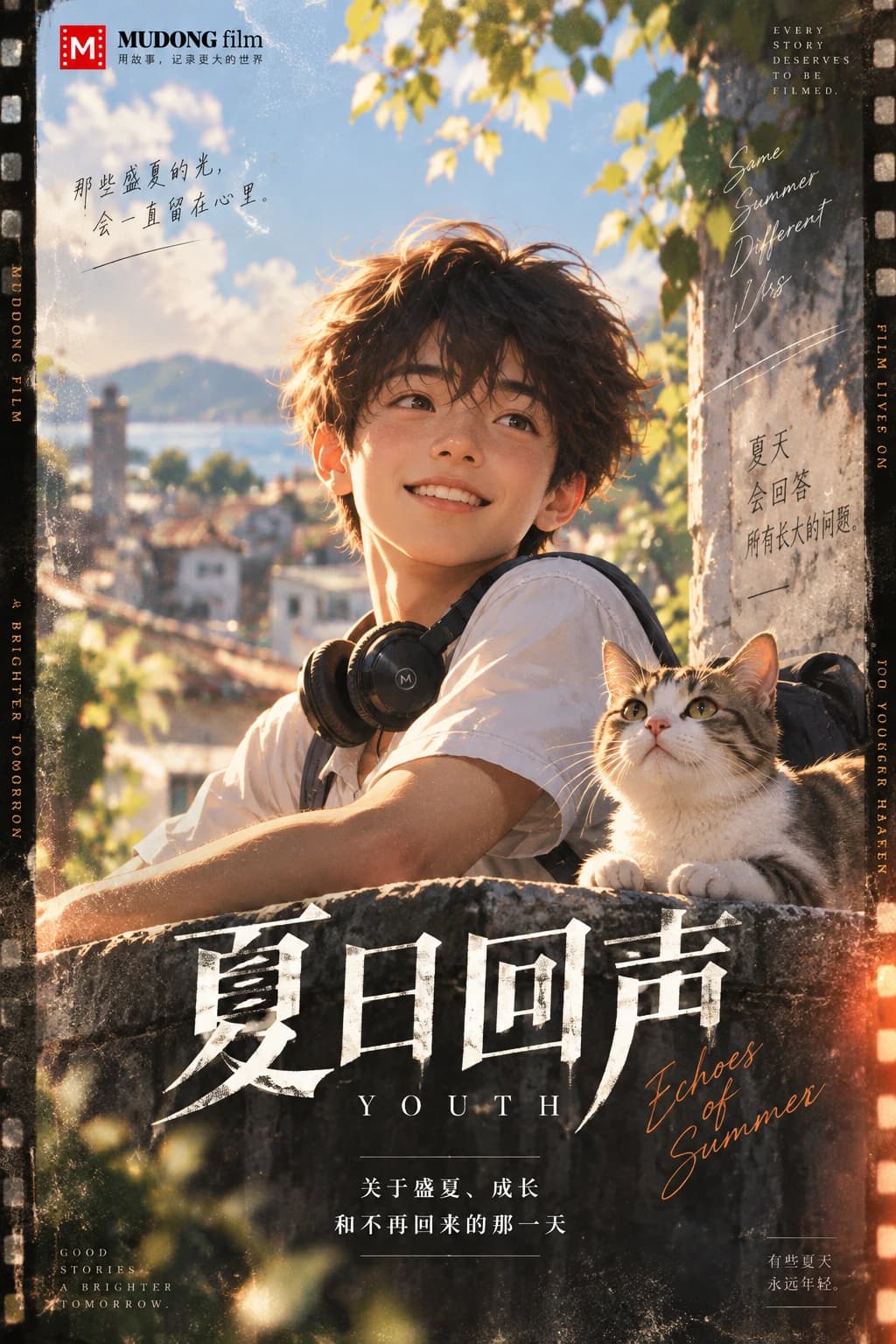
MUDONG ORIGINALS · six official 12-episode story starters
PRODUCTION DISCIPLINE
Professionalism comes from knowing what you are approving, what it costs and what happens next — not from adding more cinematic decoration.
YOUR NEXT EPISODE
Create a story, define the cast and world, then move forward one shot and one episode at a time.